How it works
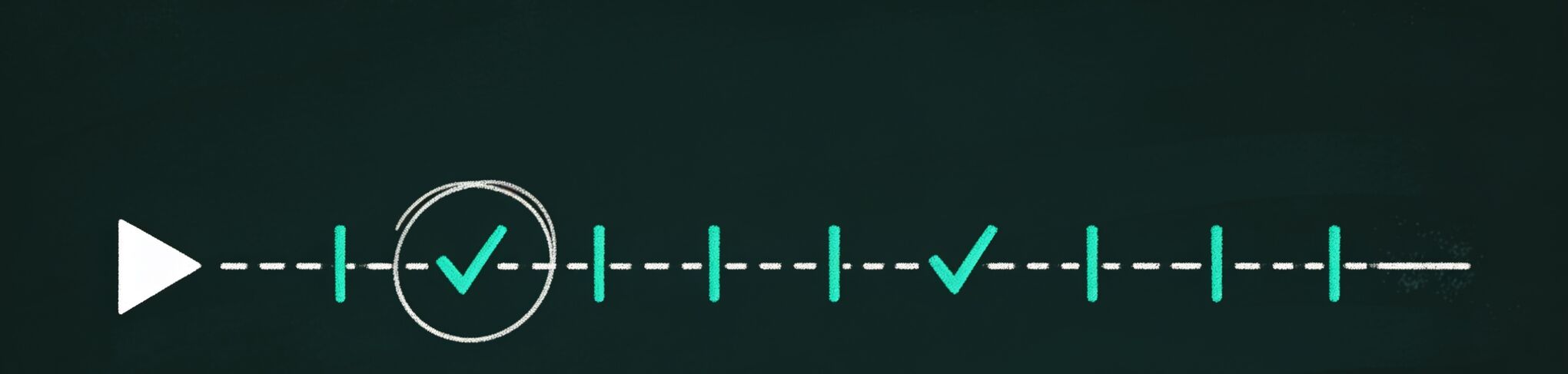
From 1:47:36 to a list you can click, in four steps.
The panel does its work in your browser, on the watch page, with parts you can inspect.
Free Chrome extension · for students & researchers
Open a lecture, press Summarize, and every key point arrives stamped with the second it happens. Press a stamp; the player jumps there. Free — unlimited with your own API key, three a day without one. No account.
You can drag the red dot back and forth, squinting at thumbnails.
1:47:36 of footage. Eleven minutes of it are why you opened it. The seek bar cannot tell you which eleven.
summarize.watch reads the caption track and stamps every key point with the second it happens.
summarize.watch found nine key points — about eleven minutes of a 1:47:36 lecture — before you’d pressed play once.
 Av = λv Lecture 14 · Eigenvalues & Eigenvectors
Linear Algebra 14 — Eigenvalues & Eigenvectors
Example lecture · 1:47:36 · auto-generated captions
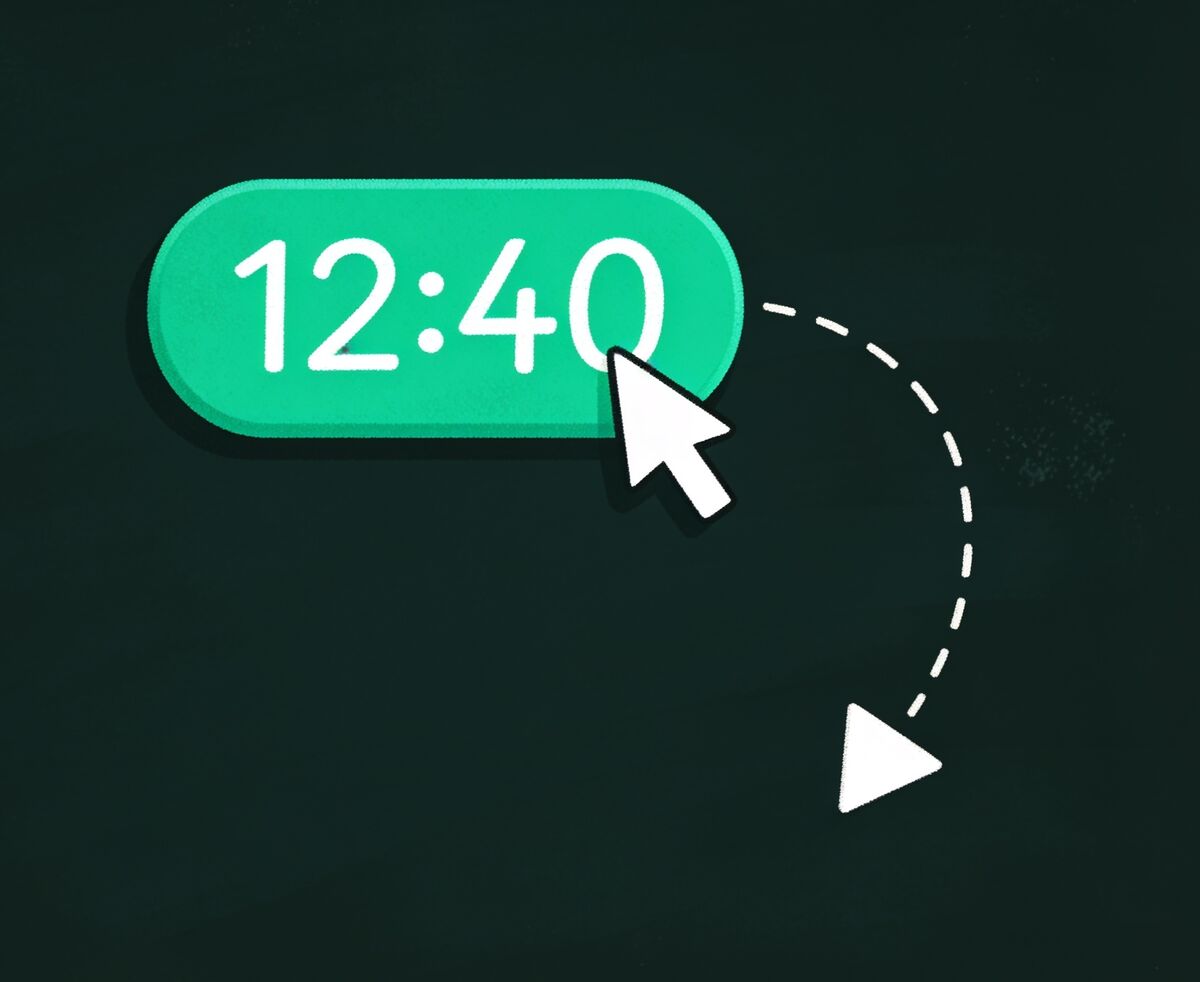
Click 12:40 in the summarize.watch panel. The player is at 12:40. That is the whole trick.
The panel mounts above related videos on every watch page — no new tab, no pasting links, no account.
Now do that thirty more times
You just watched it work on one lecture. A term is thirty of them. Thirty recordings at ninety minutes each is forty-five hours of video, and the part you actually need — the definition, the worked example, the warning about the take-home — is roughly a tenth of it, scattered.
summarize.watch stamps every piece of that tenth. Press Summarize, get a TL;DR and sectioned key points built from the video’s own caption track, each carrying a live timestamp. Five hours of watching instead of forty-five — and the forty you skipped, you skipped on purpose.
How it works
The panel does its work in your browser, on the watch page, with parts you can inspect.
summarize.watch pulls the video’s own caption track — the same timed text YouTube renders — manual or auto-generated.
No captions, no summary — that’s the honest limit. Auto-captions count, and YouTube auto-generates them for spoken English, Spanish, French, German, Portuguese, Italian, Dutch, Russian, Japanese, Korean and Indonesian.
Demo mode needs no key. Add an Anthropic key and summarize.watch calls claude-sonnet-5; add an OpenAI-compatible key and it calls gpt-4o-mini, or any model at any base URL you name. Your key, your provider, direct from your browser.
There is no summarize.watch server to trust. There is no summarize.watch server at all.
A TL;DR, then sectioned key points — each carrying a stamp like 12:40 that moves the player when clicked.
The TL;DR sits above the sections, so you can decide in ten seconds whether tonight’s video is worth opening at all.
One click copies the whole summary as Markdown — headings, bullets, timestamps — ready to paste into Obsidian, Notion or any notes app. Free. One-click export to Notion is the Pro version of this. Summaries live only on this device.
A 1:47:36 lecture becomes about 400 words of stamped Markdown, in one click.
The whole free tier
summaries a day with no key at all — the demo needs nothing from you
click from any key point to the exact second in the player
summarize.watch servers — transcripts go only to the provider you pick
a year for Pro, or $4.99 a month, when three a day stops being enough
The panel mounts above related videos on youtube.com/watch, in YouTube’s own light or dark theme. Nothing to paste, nothing to copy across.
Every key point carries a stamp wired straight to the player. Hover flips it solid green so you know it’s live.
Headings, bullets and timestamps, formatted for Notion or Obsidian, in one click — included in the free tier.
Brief, Standard or Deep — roughly 5, 12 or 25 key points. Output in the video’s own language, or in whichever language you set in Settings; the model you picked decides how well it translates.
Anthropic, any OpenAI-compatible endpoint, or a local Ollama — your call.
No key needed and no daily cap, full chapter breakdowns, chat with any video, export to Markdown & Notion.
The fine print, up front
Five facts we’d rather you learn here than in a one-star review.
summarize.watch reads the caption track. A video with no captions — manual or auto — cannot be summarized. There is no audio transcription.
With no API key, summarize.watch samples real caption lines, so seeking stamps work out of the box. For model-written prose, add your own key in Settings — two minutes, once.
Keys live in chrome.storage.local and calls go straight from your browser to your provider. Anyone with access to your Chrome profile could read them, so use a scoped, revocable key.
The three-a-day no-key quota is counted locally and resets at local midnight. Yes, clearing extension storage resets it; your own key is never metered at all. We’d rather build something worth paying for.
summarize.watch gets captions from ytInitialPlayerResponse and timedtext — YouTube’s own internal endpoints, not a public API. YouTube can change them without notice, and when they do, summaries stop until we ship a fix. That is the risk of a free extension that needs no server.
Worth knowing: YouTube chapters exist only when an uploader typed them, and almost no lecturer does. summarize.watch stamps key points on any captioned video — chapters or none.
Pricing
Honesty note: Pro checkout isn’t live yet — every Pro button in today’s build opens a modal that says exactly that. Free is the whole product right now, and it stays free when Pro ships.
1:47:36 of lecture → 11 minutes that matter
summarize.watch is not on the Chrome Web Store yet, so here is the entire install — four steps, about a minute, no account to make.
Chrome · Manifest V3 · captioned YouTube videos · demo mode needs no API key · need the folder? support@summarize.watch